Figma to WordPress: clean handoff process that saves time
Introduction. In today’s digital landscape, designers often create intricate prototypes in Figma while developers translate those visions into live WordPress sites. A smooth transition between these two worlds is essential for maintaining design fidelity and accelerating project timelines. This article walks through a practical handoff strategy that bridges the gap between Figma and WordPress, detailing preparation steps, token extraction, component mapping, and common pitfalls to avoid. By following this guide, teams can reduce rework, ensure consistency, and deliver high‑quality sites faster.
Preparation and asset organization
A clean handoff starts before any code is written. Designers should consolidate all relevant layers into a single Figma file, naming components clearly and grouping them by page or feature. Export assets in WebP or SVG for optimal performance, and document color palettes, typography, and spacing in the design system panel.
- Use consistent naming conventions to prevent confusion during development.
- Provide a shared Figma link with edit permissions for developers to reference updates in real time.
Design token extraction
Tokens are the glue that keeps design and code in sync. Export color, font, spacing, and border tokens as JSON or CSS variables using plugins like “Figma Tokens” or “Design Tokens”. Developers can then import these files into their WordPress theme’s SCSS or Tailwind configuration, ensuring a single source of truth.
| Item | What it is | Why it matters |
|---|---|---|
| Color tokens | Hex or rgba values exported to JSON | Guarantees brand consistency across the site |
| Typography tokens | Font family, size, weight mappings | Saves time when updating text styles site‑wide |
| Spacing tokens | Scale values for margins and paddings | Enables responsive layouts without manual tweaks |
Component mapping workflow
Translate Figma components into WordPress blocks or template parts. Start by identifying reusable elements—headers, footers, cards—and create corresponding Gutenberg block templates. Use the “Block Lab” or “Gutenberg Blocks” plugin to encapsulate styling and functionality, linking back to the exported tokens.
Common pitfalls and how to avoid them
Miscommunication often arises when designers assume developers will interpret styles correctly. To mitigate this, include a style guide document that maps Figma layers to CSS classes. Avoid hard‑coding values; instead reference tokens wherever possible. Finally, schedule regular sync meetings so any design changes are reflected in the codebase promptly.
Conclusion. A meticulous handoff from Figma to WordPress hinges on organization, shared resources, and tokenized styling. By preparing assets upfront, exporting consistent tokens, mapping components accurately, and proactively addressing common issues, teams can deliver polished sites with fewer revisions. Next steps: set up a shared design system in Figma, export your first token set, and begin building reusable WordPress blocks that mirror your prototype.
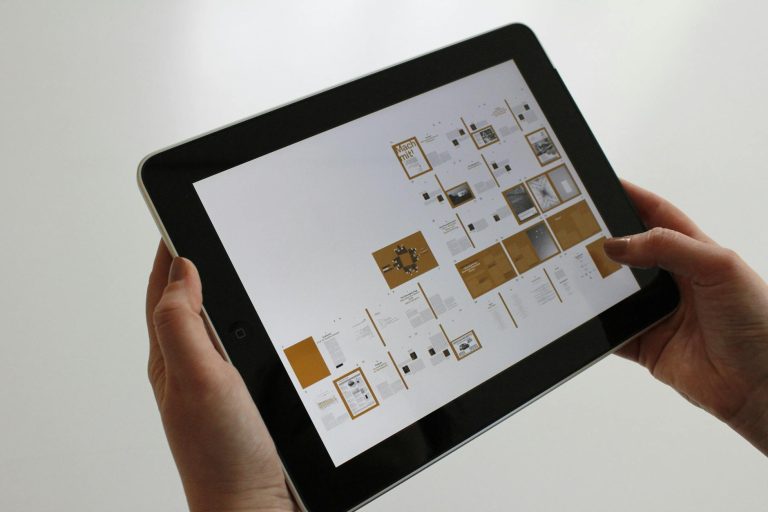
Image by: Max Vakhtbovycn