Track in‑store traffic generated by your online presence
Introduction. In today’s omnichannel retail landscape knowing how many people walk into a physical location after visiting a website is vital for measuring marketing ROI and optimizing the customer journey. This article explains why store visit tracking matters, how to set it up with modern tools, what metrics you should focus on, common mistakes that can distort data, and practical next steps for business owners and marketers who want to close the gap between online clicks and offline conversions.
Why store visit data is a game‑changer
Linking website interactions to in‑store footfall lets retailers answer questions like: Which campaigns drive real walk‑ins? What content resonates enough for customers to visit physically? How much of the online audience actually converts on site? By answering these, brands can allocate budgets more effectively and tailor store experiences.
- Quantifies the true value of digital marketing beyond virtual sales
- Reveals customer preferences that shape inventory and layout decisions
Setting up location‑based analytics
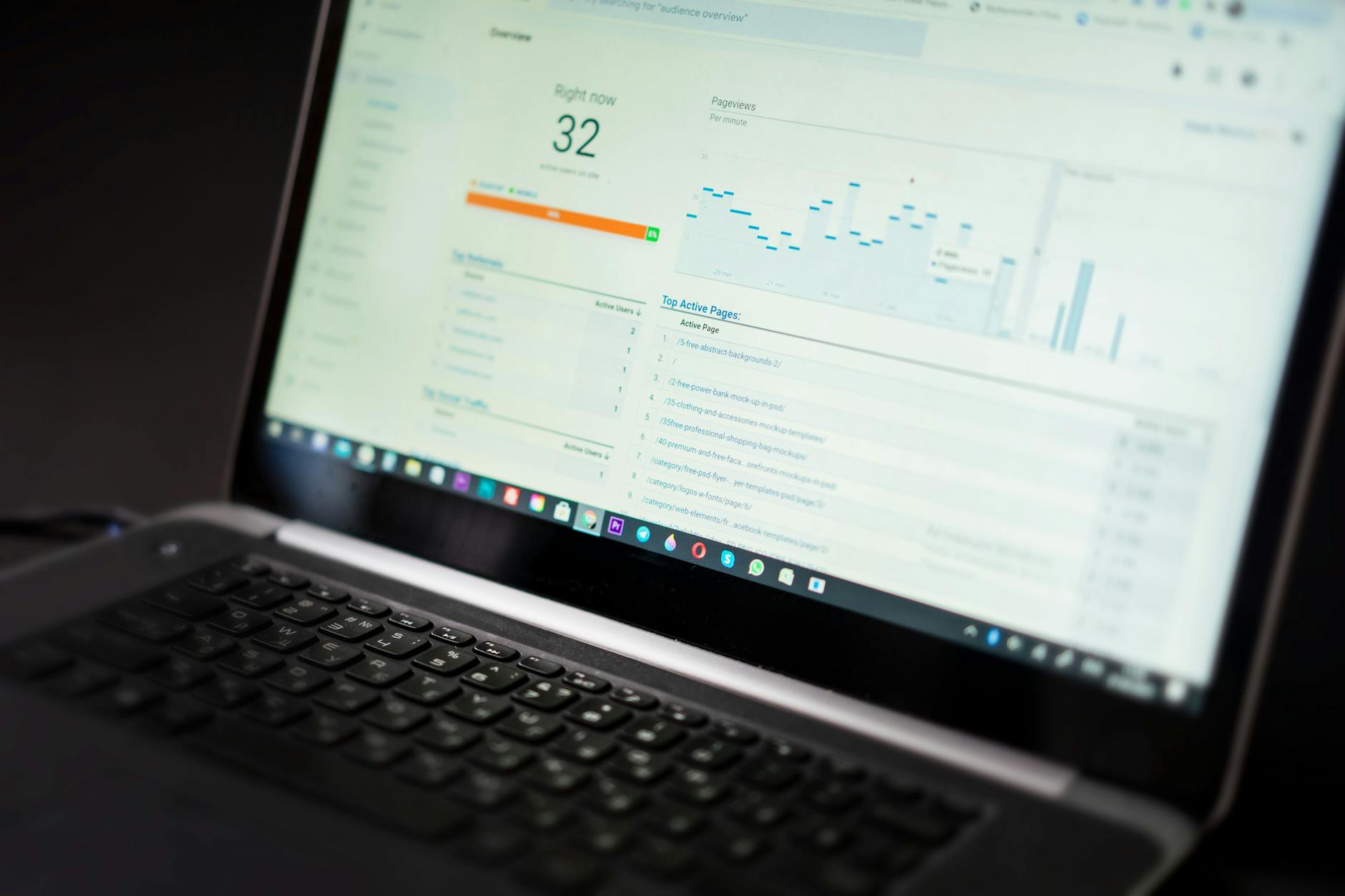
Start by integrating a geofencing or Wi‑Fi tracking system with your web analytics platform. This requires placing beacons around store entrances, assigning unique identifiers to each beacon, and configuring your analytics dashboard to capture proximity events triggered when visitors arrive at the site after browsing the website.
| Item | What it is | Why it matters |
|---|---|---|
| Geofencing radius | Defines the virtual boundary around a store | Ensures only relevant visits are counted |
| Beacon IDs | Unique tags for each location sensor | Provides precise mapping between physical spot and data point |
| Event triggers | Automated actions when a device enters the zone | Captures real‑time visitor counts without manual input |
Building a practical workflow
1. Install beacon hardware and verify signal coverage.
2. Map each beacon to its URL in your analytics platform.
3. Create a conversion funnel that includes a “store visit” event after the last page view.
4. Run a test campaign, monitor the dashboard, and adjust thresholds for false positives.
Avoiding common pitfalls
Many retailers misinterpret raw footfall numbers because they ignore device churn or Wi‑Fi opt‑in rates. To prevent skewed data, enforce consistent beacon placement, regularly audit signal strength, and segment visitors by device type to understand how different audiences behave. Additionally, always validate analytics with in‑store staff observations for qualitative context.
Conclusion. Tracking store visits from the website gives retailers a concrete view of how digital touchpoints translate into physical actions. By deploying geofencing or Wi‑Fi tracking, aligning it with web analytics, and guarding against data distortions, businesses can refine marketing spend, enhance in‑store experiences, and ultimately drive higher conversion rates. Start today by mapping your first beacon and watching the online-to-offline loop come to life.
Image by: Alex P